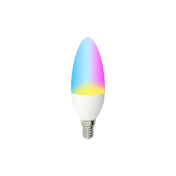


One app for your entire smart home. Simple. Smart.
The Smart Life app is a central control platform for compatible smart home products from various categories and manufacturers.
SIRO deliberately relies on this open platform so that customers can gradually expand their smart home and connect different compatible product types in a single app.


Smart Applications for Your Daily Life
We offer a comprehensive range to make your home smart.


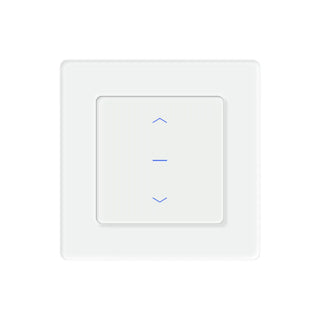
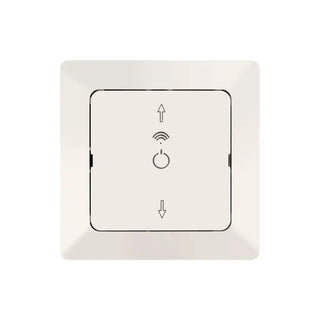
Roller shutter control
Integrate compatible roller blinds into schedules and scenes.

Garden and Outdoor Living
Control irrigation, outdoor lighting and other compatible products.

Switches and sockets
Control lighting and connected devices via app, schedule, or voice.


You can do that with the Smart Life App
Centrally control devices
Manage compatible smart home devices of various product types via a common user interface.
Operate on the go
Check device status and control cloud-connected devices even when you're away from home.
Create schedules
Have devices automatically switch on and off at set times or perform specific actions.
Scenes and Automations
Connect multiple devices and trigger actions based on time, weather, location, or a device status.
Use voice control
Control supported devices and features via Amazon Alexa or Google Home.
Manage your home together
Assign devices to rooms and grant controlled access to your Smart Home for other household members.
Set up the Smart Life App and connect devices
With the free Smart Life app, you can control compatible smart home devices centrally via your smartphone – at home or on the go. Create schedules and automations, share your smart home with family members, and connect supported devices to Amazon Alexa or Google Home.
Available for iOS and Android

Setting up the Smart Life App – Step-by-Step
This Smart Life app guide will walk you through the most important steps. The exact setup may vary slightly depending on the device; the basic process is similar for many Smart Life products.
-
Download the app and create an account
Download the Smart Life App for iOS or Android. Open the app, select your region, and register using the login options provided in the app.

-
Add device
Put the device into pairing mode according to its operating instructions and select the appropriate device category in the app.

-
Set up Schedules and Automations
Then, set up time schedules, automatic routines, or manually triggerable scenes.


Download Smart Life App
The Smart Life app is available for compatible iOS and Android devices. Downloading and using the app are free of charge.


Smart Life Automations: Connecting devices intelligently
With scenes and automations, you can connect multiple compatible devices for joint routines. A distinction is made between manually started scenes and automatically triggered routines.

Tap-to-Run Scenes
Start multiple actions with a single tap. For example, a scene like 'Leaving Home' can turn off smart lighting, deactivate outlets, and lower the heating.

Automatic Scenes
Define conditions that automatically trigger specific actions. The actual range of functions depends on the devices used.
Only available if the devices used and their functions support this.
How Smart Life Can Make Your Everyday Life Easier
Smart heating
Create heating schedules for different rooms: warm the bathroom in the morning, lower the temperature during the day, heat the living room before you get home from work, and automatically reduce it at night.
Roller Shutter Control
Open or close compatible roller blinds according to a schedule or integrate them into morning, evening, and away scenes.
Lighting
Switch lights depending on time, sunset, movement or a manually started scene.
Security
Receive notifications for supported sensor events and combine smoke detectors, cameras, lighting, or alarm sirens, for example.
Garden irrigation
Control compatible irrigation products automatically according to a schedule or link them with suitable sensors.
Connect Smart Life to Alexa and Google Home
Supported Smart Life devices can be linked to Amazon Alexa or Google Home. This allows suitable functions to be operated by voice command.

Amazon Alexa
Activate the Smart Life service in the Alexa app, link your account and allow supported devices to be detected. For roller blind scenes, the existing PDF instructions are available.

Google Home
Open the Google Home app, add the Smart Life service, and link your account. Supported devices and functions can then be synchronized.
The available voice commands depend on the respective device category and the functions supported by the product.
Additional Operating Options
Smartphone and Tablet
Operate compatible devices via the Smart Life app.
Available depending on device and app version.
Widgets
Call suitable functions directly via a supported widget.
Available depending on the device and app version.
Siri Shortcuts
Connect supported Tap-to-Run scenes to Shortcuts.
Available depending on device and app version.
Apple Watch
Access suitable functions via a compatible watch version.
Available depending on device and app version.
Device Groups
Organize and operate compatible devices together.
Available depending on device and app version.
Push Notifications
Get notifications on your mobile device for supported events.
Availability depends on the device and app version.
Camera views
Open compatible camera streams and multiple views.
Availability depends on the device and app version.
Energy Overviews
Display consumption data if the respective device supports a measurement function.
Available depending on the device and app version.
A smart home system that can grow with your needs
With the Smart Life App, you are not limited to a single product category. You can start with a simple device and later expand your system with other explicitly compatible solutions.
For example, heating, lighting, shading, security, and garden control can be gradually connected.
The term Smart Life alone does not guarantee compatibility between all devices and functions. Always check the product description and the required radio standard before purchasing.
Discover suitable Smart Life products
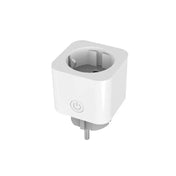
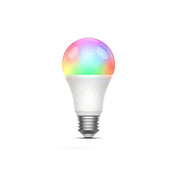
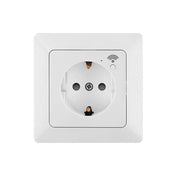
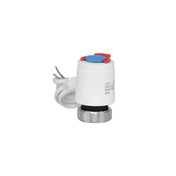
These products can be operated via the Smart Life app and can be integrated into schedules, scenes or voice controls, depending on their range of functions.

10% off

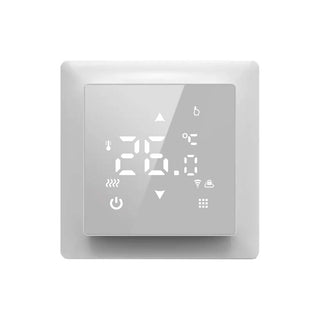

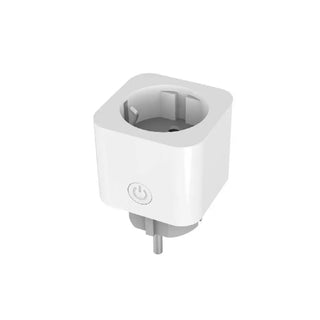
26% off
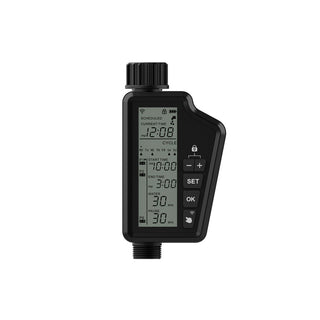
15% off
13% off


New arrival
23% off

12% off
Help with setup and usage
Our technical customer service team will assist you with any questions regarding the setup and use of SIRO Smart Home products.
The Smart Life app is developed and operated by Tuya. SIRO has no direct access to app accounts, platform servers, or devices from other manufacturers. Our technical support relates to the SIRO products we offer.
Frequent Questions about the Smart Life App
Is the Smart Life app free?
The app can be downloaded and used to control compatible devices free of charge. Individual additional services, such as certain cloud, SMS, or telephone functions, may be subject to a fee.
For which operating systems is the Smart Life app available?
The Smart Life app is available for iOS and Android. Please refer to the current system requirements in the App Store or Google Play Store, respectively.
Which devices are compatible with the Smart Life app?
Compatible devices are those explicitly designed by the manufacturer for Smart Life or the Tuya platform. Not every Wi-Fi, Bluetooth, or Zigbee device can be added automatically.
Do I need a gateway for Smart Life?
That depends on the wireless standard. Many Wi-Fi devices connect directly to the router. Zigbee devices usually require a compatible gateway. A gateway may also be necessary for remote control of certain Bluetooth products.
Does Smart Life work with 5 GHz Wi-Fi?
Many Smart Life Wi-Fi devices are set up via a 2.4 GHz network. Before setting up, check the technical specifications of the respective product.
Can I control Smart Life devices remotely?
Cloud-connected devices can usually be operated even outside of your own Wi-Fi network if the device, router, internet connection, and platform are accessible.
Can I connect Smart Life to Alexa?
Yes, supported devices and features can be connected to Amazon Alexa via the Smart Life service.
Can I connect Smart Life to Google Home?
Yes, supported devices and features can be linked to Google Home or Google Assistant.
Can multiple people control the same devices?
Devices or an entire home can be shared with other app users via the household, member, and sharing functions.
What is the difference between Smart Life and Tuya Smart?
Both apps are provided by Tuya and offer largely similar functionality. Preferably use the app specified in your device's user manual.
Why is my Smart Life device offline?
Possible causes include an interrupted power supply, an unstable Wi-Fi connection, changed router data, a missing gateway, or a temporary internet or platform outage.
Does every device support all Smart Life functions?
No. Schedules, energy displays, voice commands, automations, sensor values or notifications depend on the respective device and its enabled functions.